


“Best gift I've given in years”
I bought this for my dad's birthday. He set it up himself, which says a lot, and he's been playing the games from when he was a kid every night since. Now the whole family plays together on weekends.
Relive 20,000+ Games From Your Childhood
Share the Fun With Your Kids & Grandkids
Plug Into Your TV & Play in Minute
2 Wireless Controllers — No WiFi or Subscriptions
Couldn't load pickup availability
Tip: Start typing your game. Results appear as you type.
Selling out fast
Due to high demand, our production is limited.


Loved by 100,000+ families
who feel closer to their kids again
Yes! Our console includes 20,000+ preloaded classic games across 23 emulators — no downloads or WiFi needed.
You’ll receive:
No. Everything is built-in. Just plug it into your TV and start playing instantly.
Yes. It works with any TV, monitor, or projector with an HDMI port, including 4K and 1080p screens.
All orders from us process within 1-2 business days and the standard shipping arrives 5-10 days.


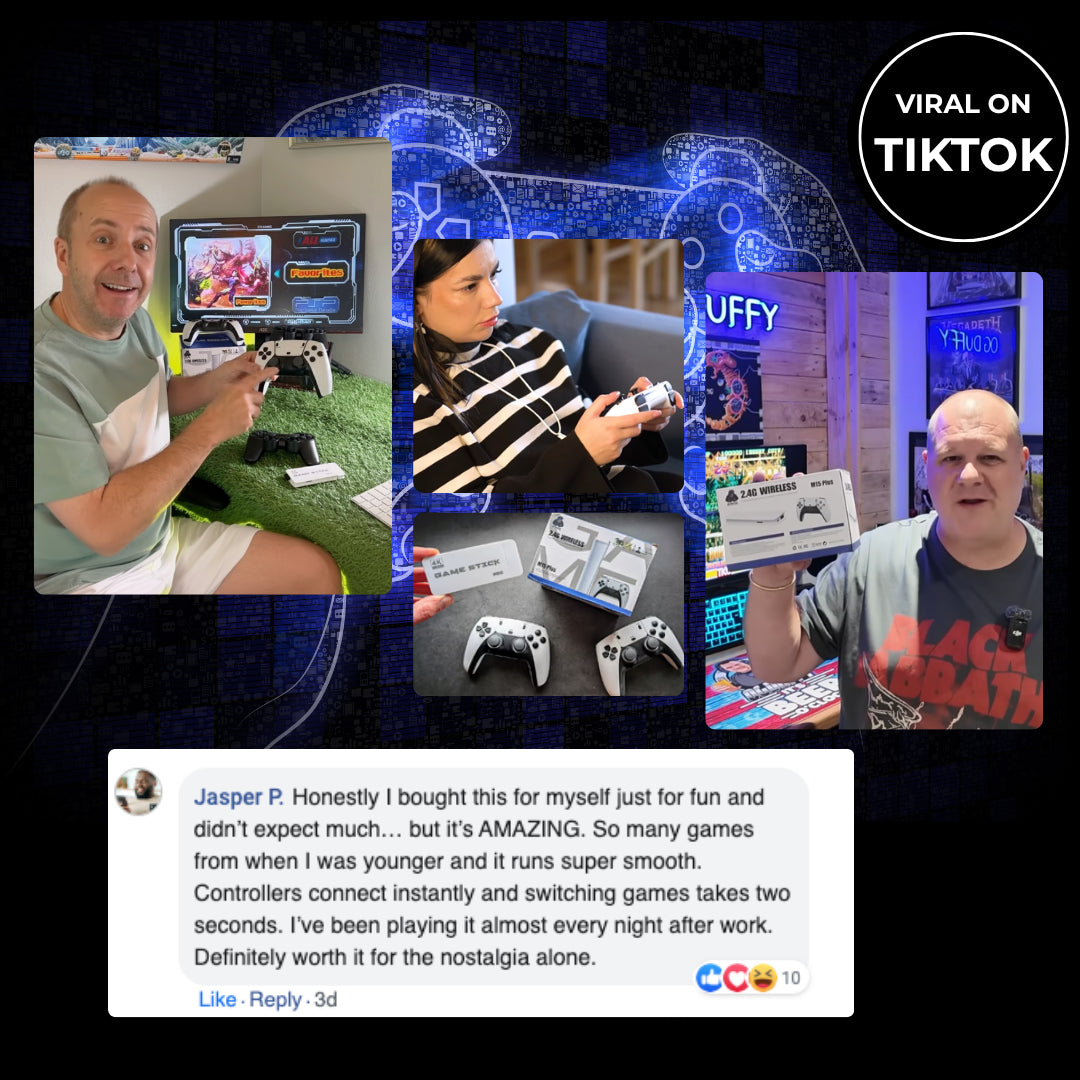


Plug it into your TV and play in minutes. No WiFi, no setup headaches, and two controllers so the whole family can join in.

The games you grew up with, now played with the people you love. Relive your childhood favourites and make new memories with your family.
4,200+ Verified Reviews
“Best gift I've given in years”
I bought this for my dad's birthday. He set it up himself, which says a lot, and he's been playing the games from when he was a kid every night since. Now the whole family plays together on weekends.

“I'll never run out of games”
I've been scrolling through the list for days and keep finding games I forgot existed. I found all my childhood favourites, like Mario, Donkey Kong and Tekken, and every one I tried loaded and played properly.

“The controllers are better than I expected”
I assumed the wireless controllers would feel cheap, but they're comfortable and the buttons are responsive. Both connected right away, so my brother and I were playing two-player within minutes.

“Set up in under 5 minutes”
I'm not a tech person at all, so I expected it to be a headache. I plugged the stick into the HDMI port, connected the power cable and turned on the controllers. It went straight to the game menu. No WiFi, no account, no downloads.

“Exactly what I needed to unwind”
After work I just want something simple. I switch it on, pick a game and play for 20 minutes. There are no updates to wait for and no online stuff. It's just fun.

“Worth every cent”
Buying the original consoles and cartridges would cost a fortune. This gave me thousands of classics for less than the price of one new game. Shipping was quick and it arrived well packaged.

“Worked on our old TV and our new one”
I tried it on our 4K living room TV and on an older TV in the bedroom. It worked on both without changing any settings. It's easy to move between rooms too, since it's so small.

“Zero lag, honestly surprised”
I was worried about input lag because I've had cheap retro consoles before that felt sluggish. This one feels instant. I played Street Fighter for an hour and the moves came out exactly when I pressed the buttons. No delay I could notice.
30-Day Money-Back Guarantee
Yes! Our Solurn GameStick features over 20,000 retro games across 23 emulators, covering classic gaming systems such as NES, SNES, Sega, and PlayStation. You can revisit childhood favorites and introduce a whole new generation to retro gaming. Individual titles vary by game library.
Absolutely! Every GameStick comes with two wireless controllers, so you can enjoy compatible two-player games together. It's a fun way to share the games you grew up loving with your family.
No! The GameStick comes with its built-in game library ready to enjoy. There are no monthly subscription fees or additional game purchases required to access the included games.
Definitely! There's no complicated installation, account registration, or software download. Just connect the GameStick to your TV's HDMI port, connect the power, and select your game. It's designed to make retro gaming simple for everyone.


